How to Use a Compress JPG Tool
When you’re working with images, file size can quickly get in the way. This often happens when uploading a photo, attaching it to an email, or trying to keep a webpage from slowing down.
If you need to compress JPG files, a tool like QuillBot’s Compress JPG can help: it reduces JPG file size while keeping the image clear, so you can share, store, or publish it more easily. In just a few clicks, large images become more compact and easier to handle.

Common use cases for JPG compression
Here are some common situations where reducing JPG file size can help:
- Uploading images to websites or blogs without slowing page speed
- Sending photos as email attachments with size limits
- Sharing images on platforms that restrict file size
- Saving storage space on your device
- Speeding up image uploads and downloads
In all of these situations, compressing a JPG file helps make images easier to work with without noticeably affecting quality
How to compress a JPG file
Compressing a JPG file doesn’t require any technical skills. With a tool like QuillBot’s Compress JPG, the process is quick and straightforward. It lets you control how much the file is reduced, so you can balance image quality with file size depending on how you plan to use it.
Here’s how to use it:
-
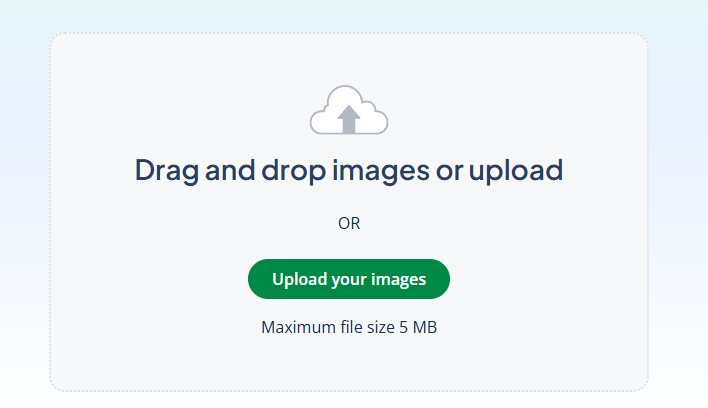
- Upload your JPG image from your device.
-
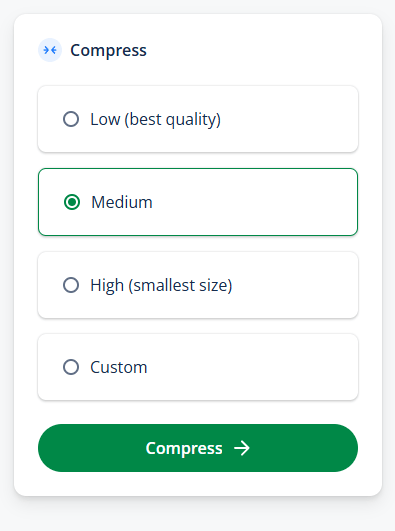
- Choose a compression level:
- Low (best quality)
- Medium (default option)
- High (smallest size)
- Custom (set your own percentage, e.g., 50%)
- Choose a compression level:
-
- Click Compress to reduce the file size.
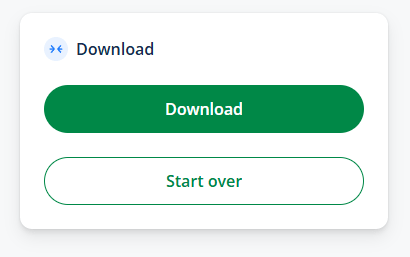
- Download your compressed image, or choose “Start over” to upload a different file.
QuillBot’s Compress JPG doesn’t require installation; it works directly from your browser on mobile, tablet, or desktop.
Frequently asked questions about compress JPG tool
- How can I reduce the MB size of a photo?
-
You can reduce the MB size of a photo by compressing it. Compression cuts down the unnecessary data in the file while keeping the image looking much the same, which makes it easier to upload, share, or store.
With a tool like QuillBot’s Compress JPG, you just upload your photo, choose a compression level, and download the smaller version in a few clicks.
Other interesting articles
If you want to know more about colors, letters, or the meaning of emojis, make sure to check out some of our other articles with explanations and examples.